English Phrases for Online Meetings and Video Calls (With Examples)
Online meetings are now a normal part of work and study around the world. Whether you join Zoom, Google Meet or Microsoft Teams calls with international colleagues, clients or classmates, you need English phrases that sound natural and professional.
The challenge is that video calls have their own language: technical problems, interruptions and time delays make communication harder. In this guide, you will learn essential English phrases for online meetings and video calls, organised by situation, with examples you can use today.
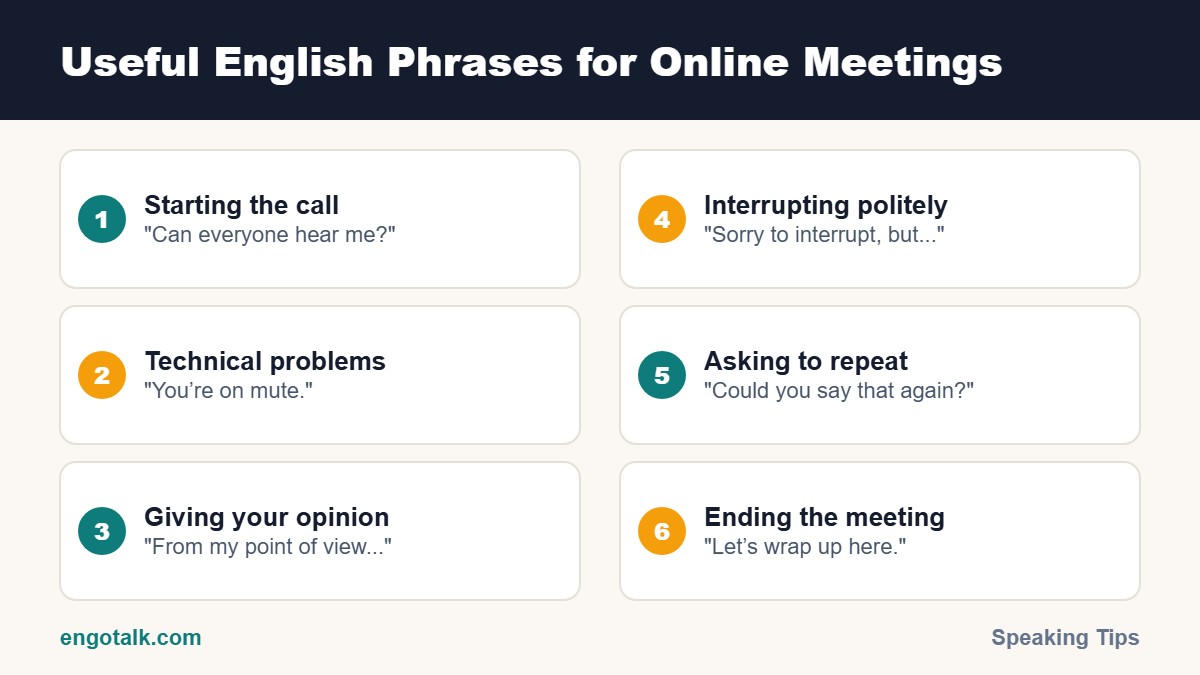
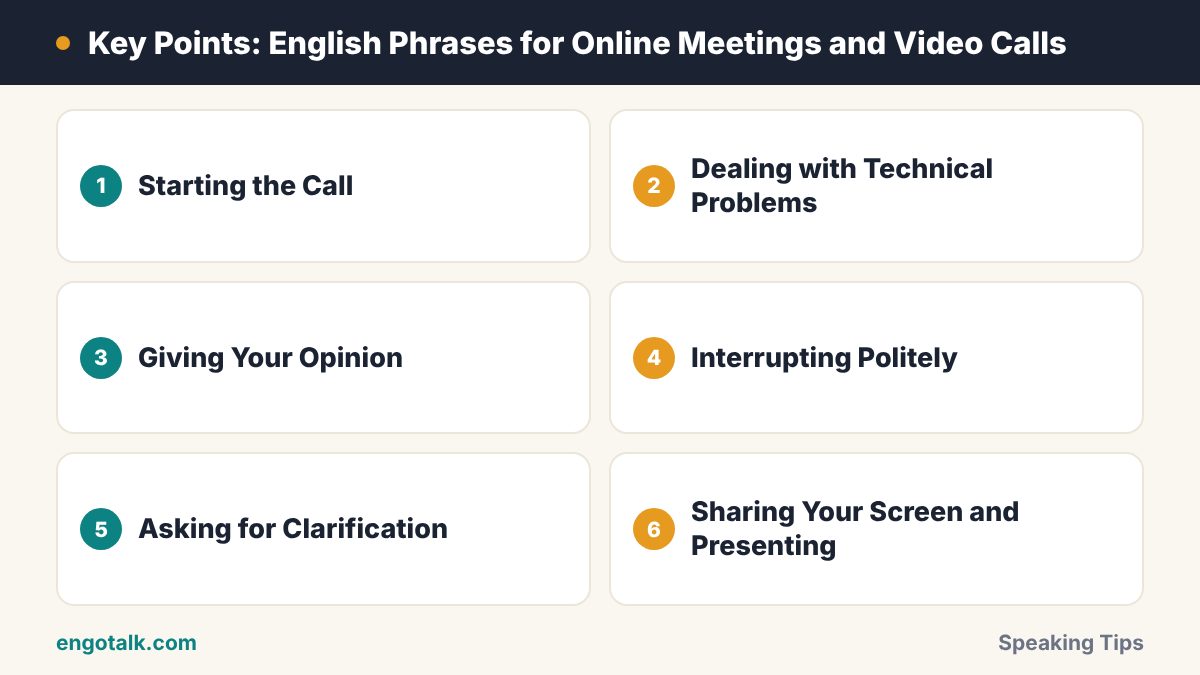
Starting the Call
"Hi everyone, can you all hear me okay?"
"Can you see my screen?"
"Let's give everyone a couple of minutes to join."
"Shall we get started?"
"Thanks for joining today. The purpose of this meeting is to..."
Dealing with Technical Problems
"I think you're on mute."
"Sorry, you're breaking up. Could you repeat that?"
"Your video has frozen."
"There's a bit of an echo. Could everyone who isn't speaking mute themselves?"
"My connection is unstable. I'm going to turn off my camera."
"Sorry, I dropped out for a moment. What did I miss?"
Giving Your Opinion
"From my point of view..."
"I think it would be a good idea to..."
"In my experience..."
"I see what you mean, but..."
"I'm not completely sure about that, because..."
Interrupting Politely
Because of audio delays, people often speak at the same time on video calls. These phrases help:
"Sorry to interrupt, but could I add something?"
"Sorry, go ahead." (when you both start speaking)
"Can I just come in here for a second?"
"Before we move on, I'd like to mention..."
Asking for Clarification
"Sorry, could you say that again?"
"Could you speak a little more slowly, please?"
"Just to make sure I understand, you mean that...?"
"Could you put the link in the chat, please?"
If people speak too fast for you, read how to understand fast English speakers.
Sharing Your Screen and Presenting
"Let me share my screen."
"Can everyone see the presentation?"
"As you can see on this slide..."
"I'll stop sharing now."
Ending the Meeting
"Let's wrap up here."
"To summarise, we've agreed to..."
"I'll send a follow-up email with the action points."
"Thanks, everyone. Have a great day!"
For the follow-up email, use our professional email templates.
Example Mini-Dialogue
Anna: Hi everyone, can you all hear me okay?
Kenji: Yes, loud and clear.
Luis: Sorry, Anna, you're breaking up a little.
Anna: Is that better now?
Luis: Yes, much better, thanks.
Anna: Great. Let's get started. Today we need to agree on the launch date.
Tips for Speaking Confidently on Video Calls
Speak a little slower than usual. Audio delays make fast speech hard to follow.
Prepare key points before the meeting.
Use the chat for links, names and numbers.
Keep phrases ready for when you need time to think, like "Let me think about that for a second."
For more confidence-building ideas, see 10 daily habits for English fluency.
Practise Video Call English on EngoTalk
EngoTalk is built around live 1-on-1 video calls, so it is the perfect place to practise these phrases in real conversations with learners and tutors around the world. Join a video call now.
Frequently Asked Questions
How do I tell someone they are on mute politely?
Say "I think you're on mute" or "Sorry, we can't hear you. You might be on mute."
How do I interrupt in an online meeting?
Use "Sorry to interrupt, but..." or raise your hand using the meeting tool first.
What should I say at the start of a video call?
Greet everyone, check that they can hear you, and briefly state the purpose of the meeting.
How can I improve my English for online meetings?
Learn key phrases by situation and practise them regularly in real video conversations.
Test yourself: 5-question quiz
Check what you remember from this article. It takes about one minute, and you earn XP for completing it.